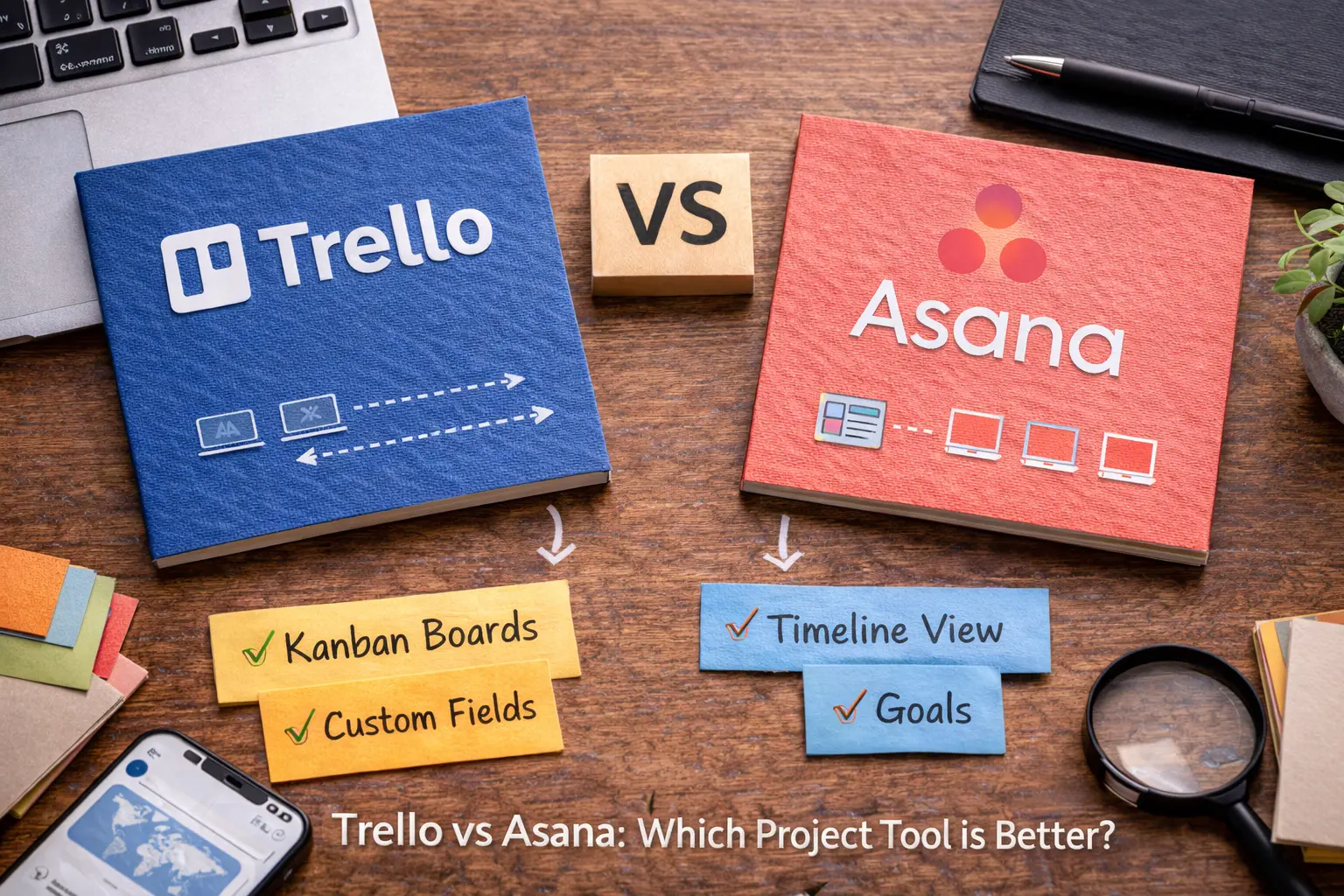
Trello and Asana represent two different generations of project management thinking, and the comparison between them is more about philosophy and team maturity than about feature counts. Trello was one of the tools that popularized visual project management for non-technical teams — the Kanban board that made moving tasks through stages feel intuitive rather than administrative. Asana came later with a more structured approach that added the layer of explicit ownership, deadline accountability, and dependency tracking that Trello’s visual simplicity deliberately left out.
Both tools have evolved significantly since their early versions, and the gap between them has changed in character if not in direction. Trello has added views, automation, and integrations that make it more capable than its reputation sometimes suggests. Asana has maintained its structural advantages while improving the usability that early versions traded for comprehensiveness. Understanding where each tool stands in 2026 — rather than where they stood when most of their reputations were formed — produces a more accurate comparison for teams making a current decision.
What Trello Actually Is in 2026
Trello’s identity is more nuanced than the “simple Kanban board” description that follows it around in most software comparisons. The platform has added timeline views, calendar views, table views, dashboard views, and a robust automation system called Butler that handles workflow automation through rule-based triggers and actions. The Trello of 2026 is significantly more capable than the Trello that most people remember from their first encounter with it.
The Kanban board remains the core — and it remains excellent. Cards move through lists that represent stages, and the visual simplicity of that model produces adoption rates that more complex tools rarely match. New team members understand how to use Trello within minutes of being added to a board, which is not something that can be said about Asana, Monday.com, or most other project management tools. The immediate intuitiveness is a genuine product achievement rather than a limitation dressed as a feature.
The Power-Ups system extends Trello’s base functionality through integrations and add-ons — connecting Trello to external tools, adding calendar functionality, and enabling reporting features that the base platform doesn’t include. Power-Ups were previously limited to one per board on the free plan, a constraint that significantly limited Trello’s utility. The current free plan allows unlimited Power-Ups, which meaningfully expands what’s achievable without a paid subscription.
Butler — Trello’s automation system — handles workflow automation through rule-based triggers and actions that are more capable than Trello’s simple reputation suggests. Rules that trigger on card movements, due date arrivals, checklist completions, and custom button clicks can execute actions including moving cards, creating new cards, sending notifications, and updating card properties. The automation is accessible enough that non-technical users build working automations without difficulty, and capable enough that common workflow automation scenarios don’t require third-party tools.
What Asana Does That Trello Doesn’t
The feature comparison between Trello and Asana is straightforward enough to describe directly — Asana provides several capabilities that Trello doesn’t offer and that matter meaningfully for specific team types.
Task dependencies are the most significant capability gap. In Asana, marking that Task B cannot start until Task A is complete creates a tracked relationship that the platform uses to surface blocked work, calculate project impact when schedules slip, and visualize the critical path through complex projects. In Trello, approximating dependencies requires manual conventions — checklists, labels, or card descriptions that communicate blocking relationships — without the platform tracking or enforcing those relationships. For simple projects with few dependencies, the manual approach is adequate. For complex projects where dependency management is the difference between on-time delivery and cascading delays, Asana’s tracked dependencies are a meaningful operational advantage.
Subtasks in Asana are first-class objects — each subtask has its own assignee, due date, and comment thread, and subtasks appear in the assignee’s My Tasks view regardless of which project the parent task belongs to. Trello’s checklist items approximate subtasks but lack individual ownership — a checklist item cannot be assigned to a specific person who is then accountable for it the way an Asana subtask can. For teams where breaking large tasks into subtasks with individual ownership is a regular workflow need, Asana’s subtask model produces clearer accountability than Trello’s checklists.
Portfolio management — the ability to see status across multiple projects simultaneously at an executive level — is available on Asana’s Business plan without a direct Trello equivalent. Teams managing many concurrent projects at the leadership level find Asana’s portfolio view provides visibility that would require manually reviewing each Trello board individually to approximate.
Custom fields on Asana Premium allow capturing structured data alongside tasks — priority levels, estimated hours, budget amounts, client names — in a consistent format that supports filtering, sorting, and reporting. Trello’s custom fields Power-Up provides similar functionality but requires the Power-Up to be enabled and configured per board rather than being a native platform feature available globally.
What Trello Does Better Than Asana
The reverse comparison — where Trello outperforms Asana — is shorter but equally real, and ignoring it produces a misleading picture of the comparison.
Visual simplicity and immediate adoption are Trello’s most genuine advantages. The Kanban board model is so intuitively understandable that teams start using Trello productively on the day they sign up. Asana’s richer feature set comes with a learning investment — the task detail panel, the multiple view types, the dependency creation workflow, and the notification system all require familiarization time before they become intuitive. For small teams where getting everyone using a new tool quickly is more important than accessing sophisticated features, Trello’s adoption advantage is real and meaningful.
The free plan comparison strongly favors Trello. Trello’s free plan provides unlimited cards, unlimited activity logs, unlimited storage up to 10MB per attachment, ten boards per workspace, unlimited Power-Ups, and Butler automation with limited run counts. Asana’s free plan covers up to fifteen users but lacks timeline view, custom fields, and task dependencies — the features that make Asana genuinely useful for project management rather than advanced to-do list management. For teams evaluating which tool provides more practical utility at zero cost, Trello’s free tier is more immediately useful for most small team scenarios.
Interface flexibility is another Trello advantage — the card design is more customizable than Asana’s task appearance. Card covers, colored labels with custom names, and the visual card layout produce a board that communicates information through visual design rather than requiring hover interactions to reveal task details. For teams that want visual scanning of a board to immediately communicate project status, Trello’s visual card customization produces a more information-rich board view than Asana’s standard task rows.
Pricing: The Full Comparison
The pricing comparison between Trello and Asana reveals a relationship that most evaluations don’t state explicitly — Trello is consistently less expensive at every paid tier, and the premium that Asana commands reflects the capability advantages described above rather than brand pricing.
Trello’s free plan is more useful than Asana’s, as established. At the first paid tier, Trello Standard at $5 per user per month provides unlimited boards, advanced checklists, custom fields, and saved searches — a meaningful capability upgrade at half the cost of Asana Premium at $10.99 per user per month. The capability difference between the two first paid tiers is also meaningful — Asana Premium adds timeline, dependencies, and portfolio reporting that Trello Standard doesn’t match — but the cost difference is equally meaningful for budget-conscious teams.
Trello Premium at $10 per user per month adds timeline, calendar, table, dashboard, and map views alongside unlimited automation. This tier is closest to Asana Premium in both price and capability, with the persistent gap being Asana’s task dependencies and portfolio management that Trello Premium doesn’t provide.
Trello Enterprise starts at $17.50 per user per month, considerably below Asana Business at $24.99 per user per month. The Enterprise comparison is less relevant for small teams but reflects the consistent pricing relationship across tiers — Trello prices below Asana at every level, and the premium Asana charges corresponds to specific capabilities that Trello doesn’t provide.
The Small Team Scenario That Defines This Comparison
The specific scenario that defines the Trello versus Asana comparison for small teams is worth describing concretely rather than abstractly — because the right answer is different for different small team types, and identifying which type describes a specific team produces a clearer recommendation than generalizing across all small teams.
A small creative team — designers, copywriters, and a project manager coordinating client deliverables — typically works on projects that have a clear flow through stages but limited dependency complexity between individual tasks. The client brief goes to the designer, the design goes to the copywriter for copy fitting, the combined work goes to review, and the approved deliverable goes to the client. This workflow maps naturally onto Trello’s Kanban model — the card moves through lists that represent stages, the visual board makes status immediately apparent, and the simplicity of the model reduces coordination overhead rather than adding it. Asana’s additional complexity in this scenario doesn’t produce proportional value.
A small software development team — developers, a QA engineer, and a product manager coordinating a sprint — typically works on tasks with genuine dependencies between them. The API endpoint must be built before the frontend component can be connected, the feature must be deployed to staging before QA can test it, and the QA sign-off must happen before the production deployment can be scheduled. These dependencies, if untracked, produce the blocked work and delayed coordination that Asana’s dependency management prevents. Trello’s manual dependency conventions in this scenario create coordination overhead that Asana’s tracked dependencies eliminate.
The small team profile that most clearly favors Trello is the one with simple workflows, limited dependency complexity, and a priority on immediate adoption over sophisticated project management. The small team profile that most clearly favors Asana is the one with complex workflows, meaningful task dependencies, and a willingness to invest in learning a more structured tool in exchange for the operational benefits that structure provides.
The Integration Question
Both platforms integrate with the major tools that small teams use — Slack, Google Drive, GitHub, Zoom, and dozens of others — and the comparison at the level of common integrations produces no meaningful winner. Both integrations work reliably and cover the workflows that most small teams need to connect.
The integration comparison matters most for teams with specific tool stack requirements that go beyond common integrations. Asana’s integration library is broader than Trello’s at the level of less common tools, and the Asana API is more extensively documented for teams with developer resources who need custom integrations. Trello’s Power-Up system is accessible enough for non-technical users to add integration functionality without developer assistance, which matters for very small teams without technical resources.
For most small teams whose tool stack consists of the common tools that both platforms integrate with natively, the integration comparison doesn’t change the recommendation. The core project management question — Trello’s simplicity or Asana’s structure — determines the choice more clearly than the integration ecosystems at this team scale. Our Notion vs Asana comparison covers how the integration question changes when a knowledge management tool is part of the evaluation alongside project management options.
The Clearest Recommendation in This Series
The Trello versus Asana comparison produces the clearest direct recommendation of any comparison covered in this series — not because the decision is trivial but because the defining variable is specific enough to evaluate honestly in under five minutes.
If your team’s projects have meaningful dependencies between tasks — work that genuinely cannot proceed until other work is complete — choose Asana. The dependency tracking alone justifies the higher price and learning investment for teams that manage projects with real sequencing requirements.
If your team’s projects flow through stages without meaningful dependencies — where tasks are independent of each other and the primary management need is visibility into where everything stands — choose Trello. The simpler model, lower price, and faster adoption produce better outcomes for this team type than Asana’s additional structure, which adds overhead without adding value when dependencies aren’t present.
The teams that consistently choose the wrong tool in this comparison are the ones that choose Trello because it’s simpler and cheaper without assessing whether their projects have dependency complexity that Trello’s model doesn’t handle, or choose Asana because it’s more sophisticated without assessing whether that sophistication addresses real coordination problems or just adds complexity to workflows that don’t require it.
The Bottom Line
Trello is genuinely excellent for what it’s designed for — simple, visual, immediately adoptable project management for teams with straightforward workflows. Asana is genuinely excellent for what it’s designed for — structured, accountable project management for teams with complex workflows and dependency management needs. Neither tool is universally better. Both tools are clearly better for specific team types. And identifying which team type you are is the only step required to make this decision confidently.
Running a small team and genuinely unsure whether your projects have the dependency complexity that would make Asana worth the premium over Trello — or already on one platform and finding specific limitations that make you wonder whether switching would help? Describe your team’s typical project structure in the comments and we’ll give you a direct recommendation based on what you’re actually managing.
Trello and Asana are both excellent tools, but they’re just part of a much bigger ecosystem. If you want to see how they compare to other top platforms in 2026, it’s worth exploring a broader list.
Read next 👉 The Best Project Management Software in 2026 (For Every Team Size and Budget)
Leave a Reply